
Manage Drives & Invites
Create and manage your drives with ease. Invite friends, set up routes, and coordinate meetups—all in one place. Accept or decline invites, recreate drives from favorites, and view drive history.
Plan legendary cruises, invite your crew, and watch everyone appear on the live map as you rip through your favorite roads. Organize routes, fuel stops, photos, and chat—all in one place.

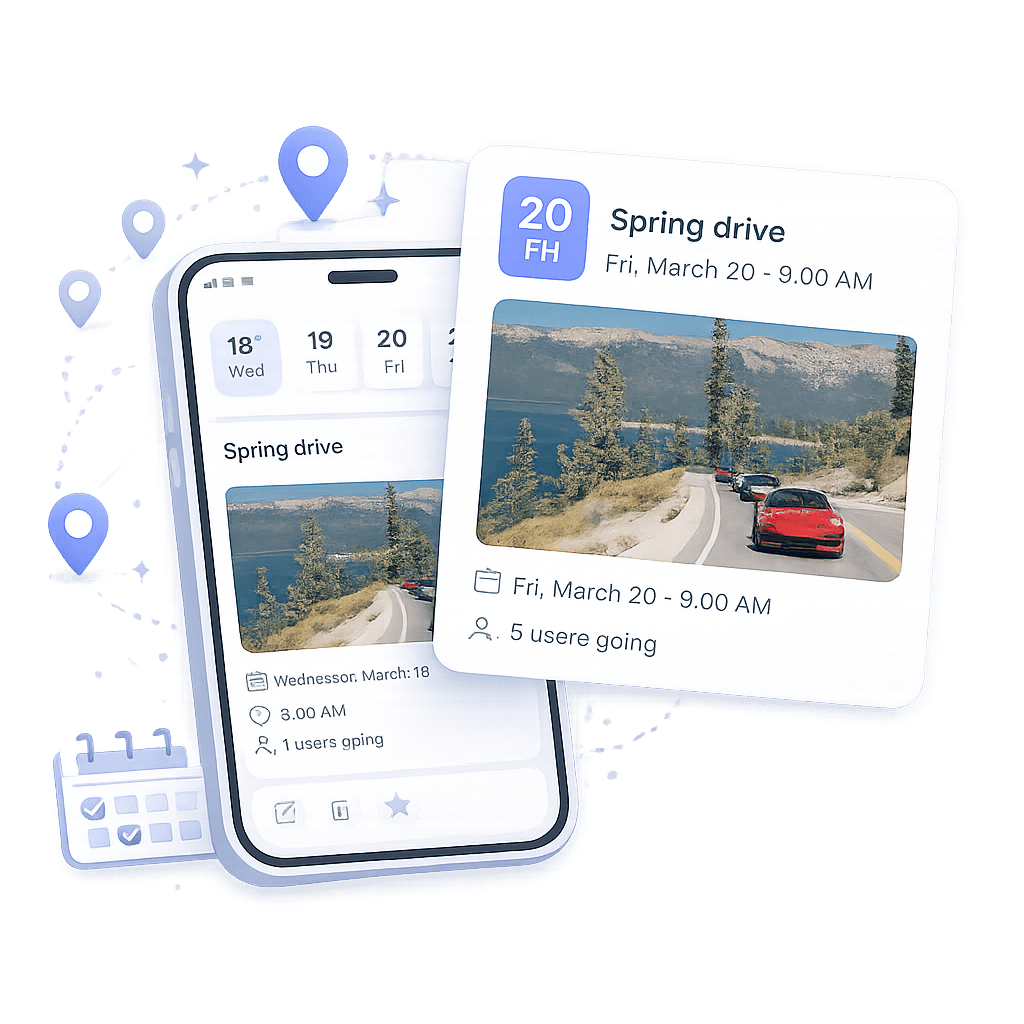
From idea to ignition or electric on the road in minutes. Build the plan, gather the squad, and roll out.
Give the drive a name, with the option to add a description, and photo.
Choose a future date and time from the displayed calendar.
Point on the navigation map to add at least two destinations. The app will automatically calculate the routes between them.
Select the driver(s) from connections or share a link to invite them. They can view the drive details and accept or decline the invitation.
Discover the features that make All Drives your ultimate road trip companion—manage drives, connect with other drivers, and explore posts.
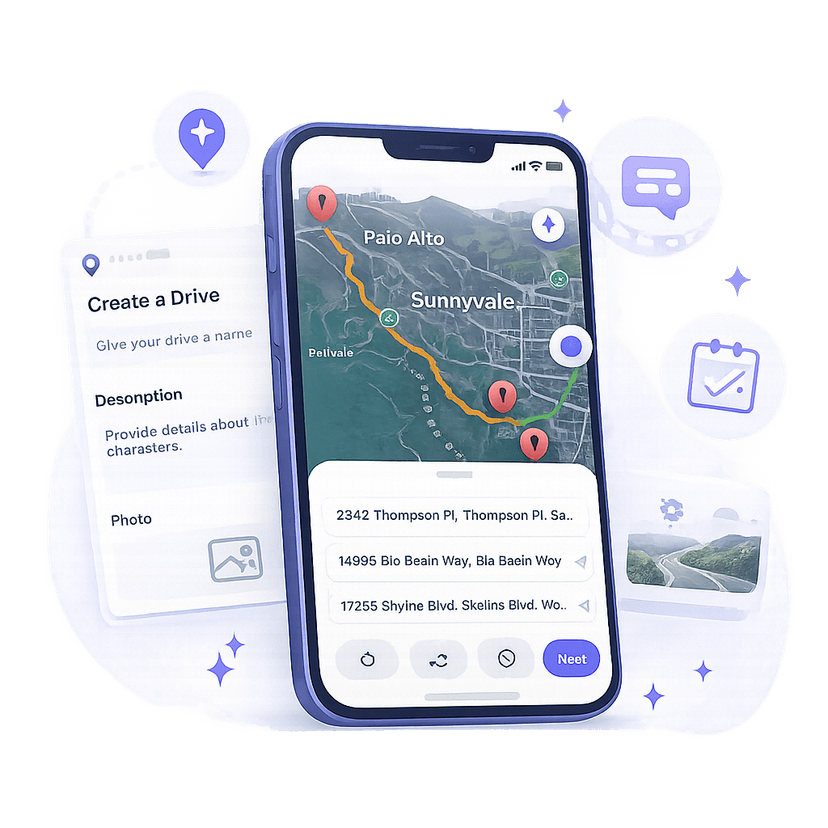
Create and manage your drives with ease. Invite friends, set up routes, and coordinate meetups—all in one place. Accept or decline invites, recreate drives from favorites, and view drive history.
Show off your build sheet, DM drivers, and coordinate pre‑meet locations. Connect with other drivers and stay updated on their activities.
Check out the latest posts from the community. Like, comment, and share your favorite content. Stay inspired and connected with fellow car enthusiasts.
Join us today to start planning your local road trips with friends!