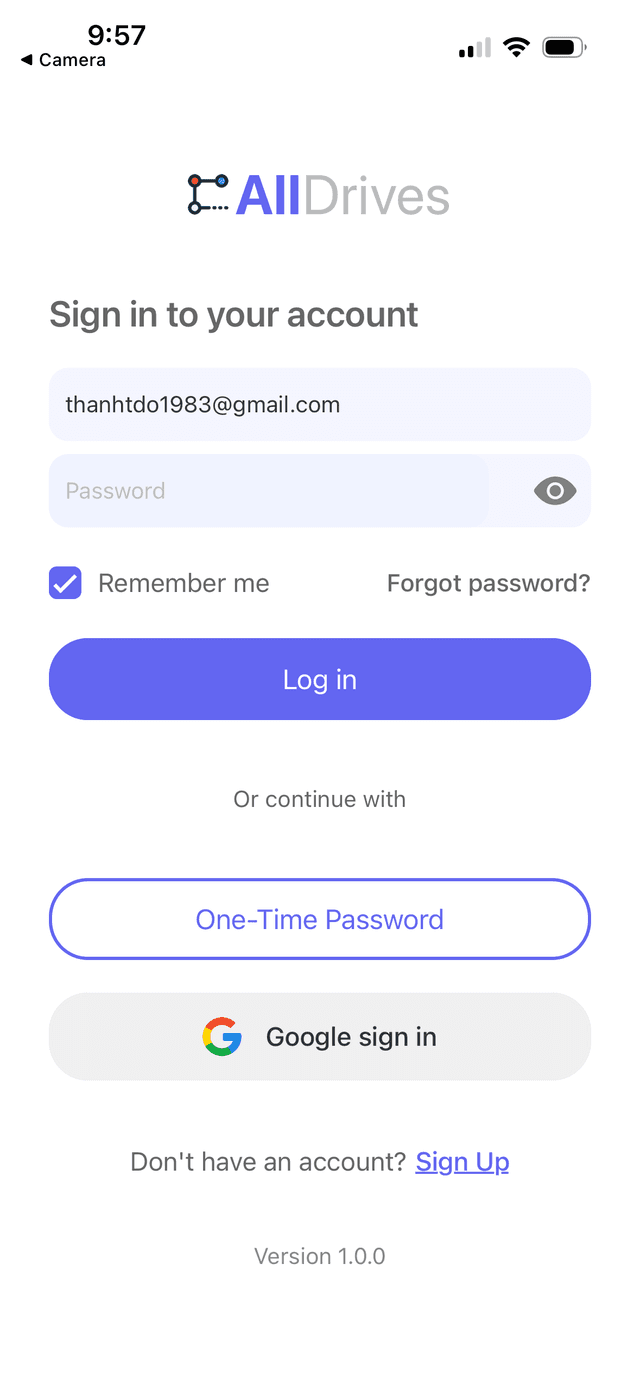
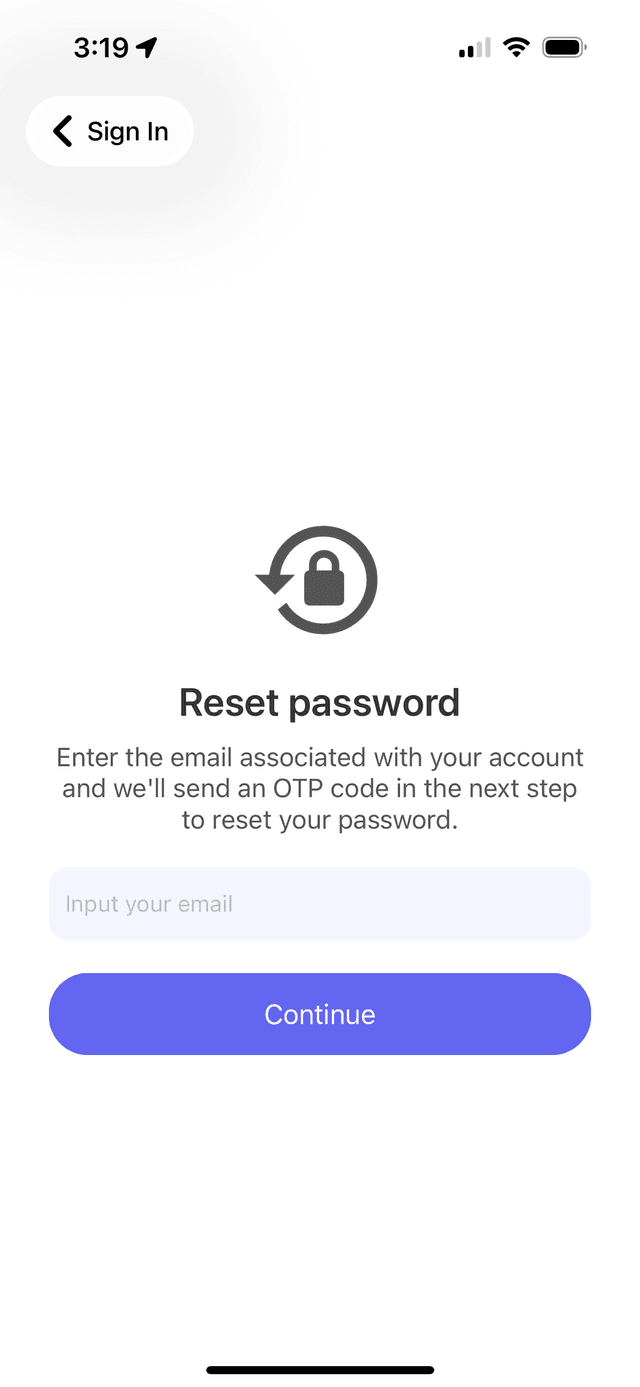
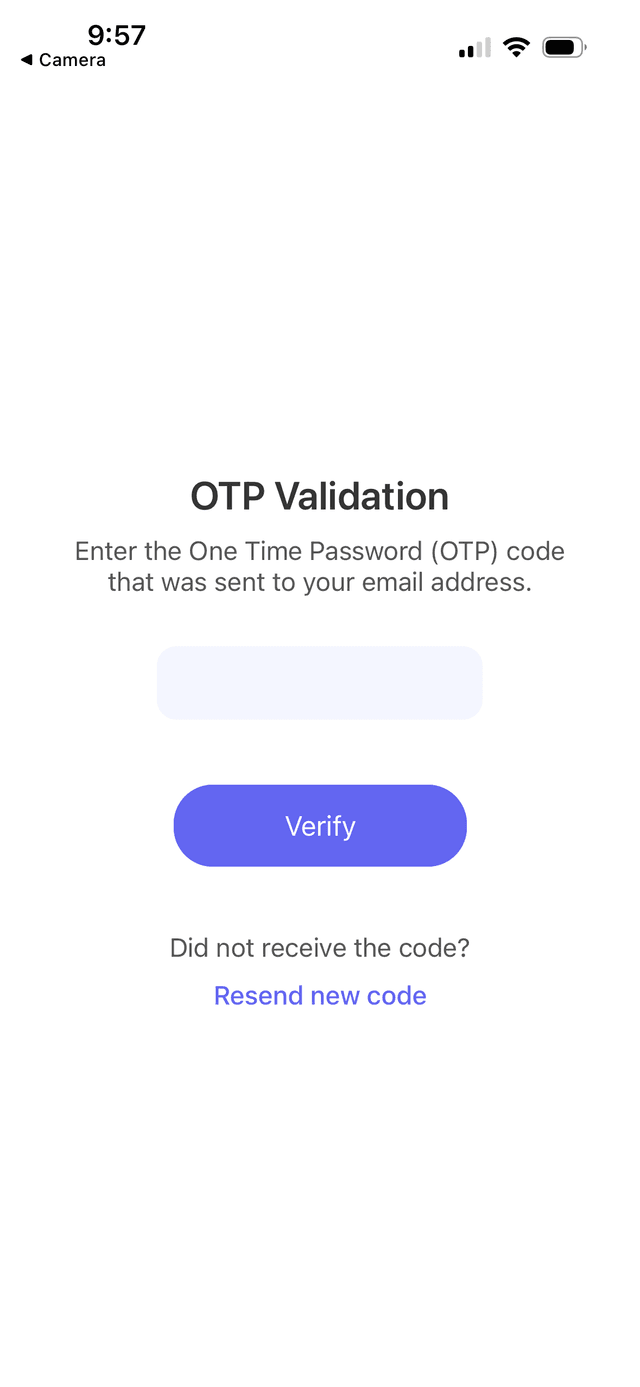
Welcome to the All Drives documentation! Here you‘ll find everything you need to know about using our platform, from getting started guides to advanced features and troubleshooting tips. Whether you‘re a new user or an experienced pro, our documentation is designed to help you get the most out of All Drives.
To create a new drive, navigate to the Drives tab and select "Create Drive". Enter the required details and click "Next". Then specify the event date and time, confirm, and proceed. Add your desired destinations on the map and continue. Next, invite people from your connections list. Finally, review all your drive information and click "Create Drive" to complete the setup. Your drive will be ready to use immediately.