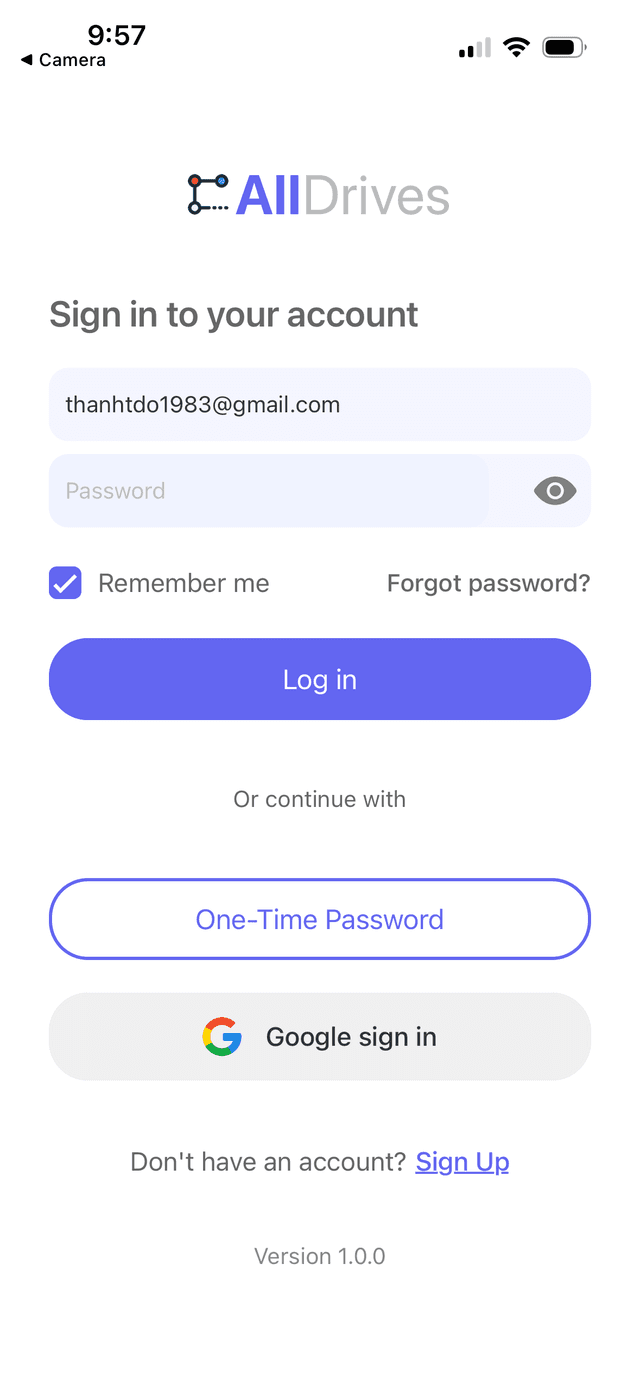
Welcome to the All Drives documentation! Here you‘ll find everything you need to know about using our platform, from getting started guides to advanced features and troubleshooting tips. Whether you‘re a new user or an experienced pro, our documentation is designed to help you get the most out of All Drives.
To join a drive, navigate to the Home page, click on the grip icon on the top right corner of a Drive. You will see a navigation map of the Drive with a menu options on the right of the screen.